So today I'll be doing a tutorial on how to make "aesthetic posts" that I make on my polyvore profile! (@junestars)
Step One: Find A Template
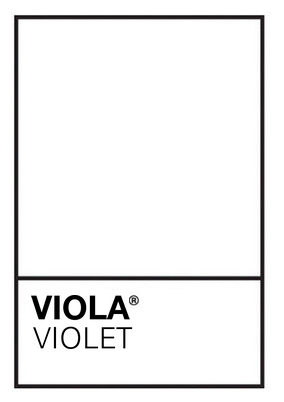
I use the "black border" shaped like a rectangle shone in the picture.
Step Two: Find Pictures
I used green photos here.
Step Three: Arrange The Pictures
There may be some empty spaces left. That's okay.
Step Four: Fill in the Blanks
I used another green picture and a grid background.
Step Five: Clean Up The Borders
Go to Colors, then Colors in set. If white isn't in there, it should be under Greys. Take the white square, make it as thin as it can be, and place it on top of the borders. Repeat for all four.
Step Six: Adding the picture separations.
Do the same with the white square except add them on the picture borders.
Step Seven: Finishing It Off
Repeat step six but with the remaining borders. Congrats! You know have a finished set.
✧ phoebe